In today’s digital world, your website is more than just a brochure. It is the heart of your brand, a way to generate leads, and a direct link to your audience. But one of the first — and most critical — decisions you’ll face when building or revamping a website is this:

Should you choose WordPress or HubSpot?

Both platforms power thousands of successful websites, and both have loyal advocates. But they serve different needs, offer different levels of control, and come with very different ecosystems.

At AB Digital, we have created and managed many websites. We work in industries like oil and gas, financial services, and healthcare. We understand what businesses truly need from their websites — and how the wrong CMS can hold back growth.

Let’s dive deep into the differences between WordPress and HubSpot so you can make a smart, strategic decision.


A Brief Overview of Each Platform

What is WordPress?

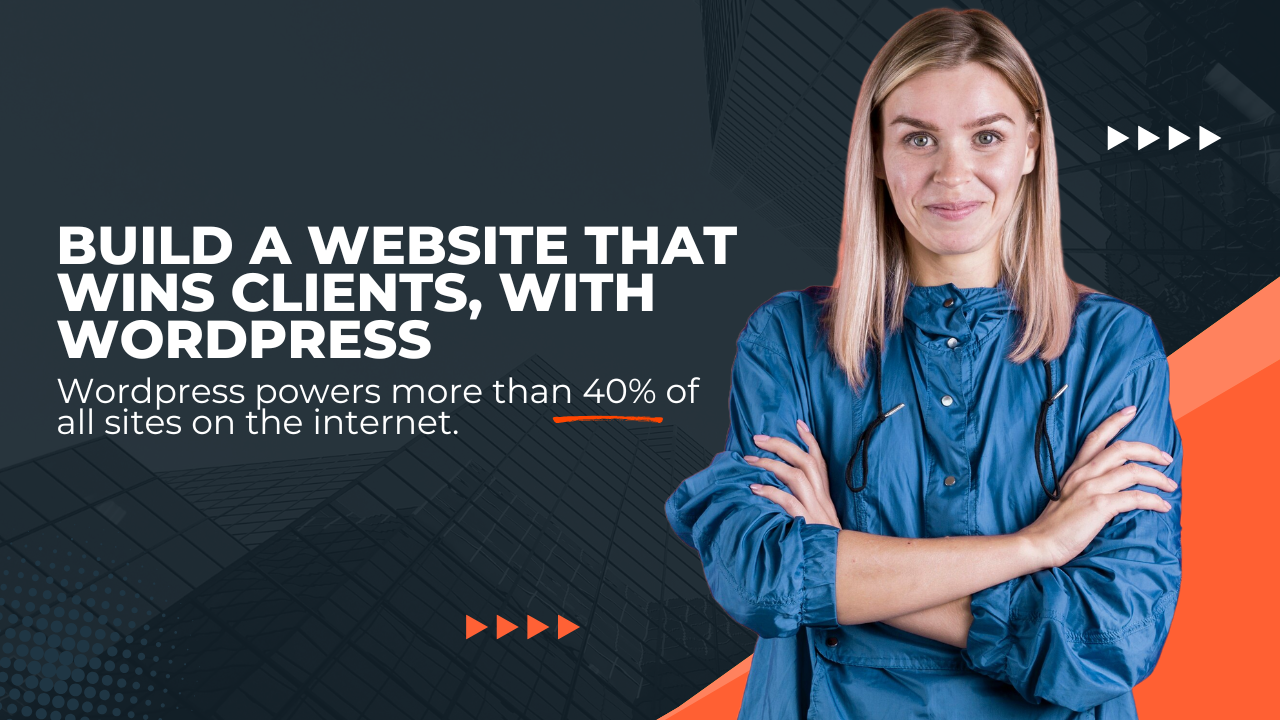
WordPress is the most popular open-source content management system (CMS) in the world. It powers over 40% of all websites online. It began as a blogging platform. Now, it is a complete CMS. It can manage small business sites and large e-commerce platforms.

Key Features:

What is HubSpot CMS?

HubSpot CMS is a cloud-based content management system. It works well with HubSpot’s CRM, marketing automation, and sales tools. Unlike WordPress, HubSpot is not an open-source platform. It is a proprietary platform made for businesses that focus on inbound marketing and sales.

Key Features:


Head-to-Head Comparison: WordPress vs HubSpot

Let’s break it down by category.

1. Ease of Use

Winner: HubSpot, especially for marketing teams without technical staff.


2. Customization & Flexibility

Winner: WordPress — ideal for companies needing a highly tailored digital experience.


3. SEO & Content Management

Winner: Tie


4. CRM and Lead Generation

Winner: HubSpot, hands down. No integrations required — everything is unified.


5. Security & Maintenance

Winner: HubSpot — ideal for teams that want peace of mind without IT involvement.


6. Analytics & Reporting

Winner: HubSpot, especially for teams focused on data-driven growth.


7. Design & Development

Winner: WordPress if you care about completely custom design. HubSpot is more standardized but easier to manage.


8. Cost Comparison

PlatformStarting CostOngoing CostsHidden Costs
WordPressFree CMSHosting ($10–50/mo), premium plugins/themesDeveloper time, security, updates
HubSpot$25–$500+/moBundled toolsHigher upfront but no surprise maintenance fees

WordPress appears cheaper, but as you scale, the costs of plugins, developer support, and maintenance can add up.
HubSpot is more expensive initially. However, it comes with many tools that you would have to pay for separately in WordPress. These tools include CRM, forms, automation, analytics, and SEO.

Winner: Depends on your growth stage and budget flexibility.


Use Case Scenarios

Let’s look at some real-world examples of when each platform makes sense.

Use WordPress If You…

Example: A local credit union needs a special design. It also requires several branch pages. Additionally, it needs loan calculators and links to other banking services.


Use HubSpot If You…

Example: A fast-growing B2B SaaS company needs a site connected to a CRM. It also needs automated follow-ups, smart CTAs, and detailed conversion tracking.


Migration Considerations: Thinking of switching from one platform to another?

Migrating from WordPress to HubSpot:

Migrating from HubSpot to WordPress:

AB Digital can help with either transition, ensuring SEO is preserved and analytics remain intact.


What Do Our Clients Say?

“We spent months managing plugins on WordPress and still weren’t tracking leads effectively. Moving to HubSpot gave us a clear picture of what was working — and we’ve doubled our qualified leads.”
VP of Marketing, Texas Energy Consultancy

“Our WordPress site gave us full creative control, which was critical for building trust in a conservative financial market. AB Digital helped us make it secure, fast, and compliant.”
Marketing Director, Regional Credit Union


Final Take: WordPress vs HubSpot — Which Should You Choose?

The real question is not which is better — it’s which is better for your business goals, internal team, and future growth.

Choose WordPress if:

Choose HubSpot if:


AB Digital Can Help You Choose, Build, and Scale

If you are starting your first site or updating one, AB Digital offers full support for WordPress and HubSpot. From strategy and design to development and content, we help businesses like yours turn websites into growth engines.

📅 Book a free discovery call to find out which platform fits your vision best.

Why Your WordPress Website IS Your Business

Wake up and smell the opportunity! In today’s hyper-connected world, your WordPress website is NOT just a digital business card. It’s your best salesperson, your tireless brand ambassador, and—if you play your cards right—your lead-generation machine. But let’s get real: if your website is stuck in the Stone Age, your prospects are clicking away faster than you can say “refresh.”

Here’s the deal: WordPress isn’t just a website platform—it’s your launchpad. It’s the difference between being another face in the crowd and being a market leader. Let’s break down EXACTLY how you can use WordPress to create a digital presence that attracts, converts, and delights. Ready to dominate your digital space? Let’s roll!


The WordPress Powerhouse: What Makes It a Game Changer?

If mediocrity is your goal, skip this section. But if you’re set on greatness, listen up. There’s a reason why WordPress powers more than 40% of all sites on the internet. It’s not luck. It’s because it delivers:

Remember—tools don’t succeed, people do. But when you put WordPress to work, you’re stacking the cards in your favor.


Set Your Sights Higher: Planning Your WordPress Success

Success NEVER happens by accident. Every killer website starts with a plan and a purpose.

Bottom line: Set clear goals, invest wisely, and keep your focus sharp.


Conversion is King: Design for Action

Pretty websites are nice. Profitable websites are better. If your site isn’t moving visitors to act, you’re leaving money on the table.

Remember: Every page, every word, every button should be designed to convert browsers into buyers.


Content: Your 24/7 Sales Force

Let’s get honest. Content isn’t just filler—it’s your silent salesperson, convincing visitors while you sleep.

Pro tip: Use headings, bullet points, and compelling visuals to guide your reader’s eye. Make it easy. Make it irresistible.


SEO: The Fast Track to Visibility

If your site can’t be found, it might as well not exist. WordPress gives you the tools—use them.

SEO isn’t magic. It’s about consistent, intentional effort. WordPress makes the technical stuff easy—your job is to deliver value.


Go Mobile or Go Home

Fact: More than half of your traffic is on a mobile device. If your site isn’t mobile-optimized, you’re waving goodbye to sales.

Mobile isn’t a “nice to have.” It’s mission-critical. Don’t settle for less.


Speed: Your Hidden Weapon

Patience is NOT a virtue online. Every second your site takes to load costs you leads.

Speed equals revenue. Don’t let slow pages kill your conversions.


Lead Generation: Make Every Visit Count

WordPress is a lead-generation titan—if you know how to use it.

Remember: Traffic is nice, but leads are gold.


Rookie Mistakes? Not on Your Watch

Even smart business owners make these common blunders. Don’t be one of them.

  1. Ignoring Updates: Old plugins invite hackers.
  2. Too Many Plugins: Bloat slows you down and causes conflicts.
  3. Weak Mobile Experience: You can’t afford to lose half your audience.
  4. Bland Content: If you’re not adding value, you’re adding noise.
  5. No Clear CTA: Don’t make visitors guess. Tell them what to do—boldly!

Avoid these, and you’ll be miles ahead of your competition.


WordPress FAQs: Fast Answers, Big Wins

Is WordPress beginner-friendly?
Absolutely! If you can use email, you can use WordPress.

How much does a WordPress site cost?
The platform is free. Budget for hosting, a premium theme, and must-have plugins.

Can I migrate my current site?
Yes, and it’s easier than you think with migration plugins or expert help.

How do I keep my site secure?
Strong passwords, updated plugins, and a reputable security plugin are your best defense.

Is it mobile-friendly?
With the right theme and a little testing, your site will shine on any device.

WordPress.com vs. WordPress.org?
.org is self-hosted (more control), .com is hosted for you (less flexibility).


Conclusion: Don’t Settle—Set the Pace

If you want average results, do what everyone else does. But if you want to dominate your space, leverage WordPress and build a site that WORKS as hard as you do. Don’t wait for leads to find you—create a site that attracts, captures, and converts.

Ready to ditch digital mediocrity? Ready to become THE authority in your market? Take action. Build your website with WordPress and watch your business soar.

Remember: Success rewards the BOLD. WordPress is your tool—what you do with it is your legacy. Let’s build something extraordinary.